 Carvomi
How to use Carvomi
New here? Start with step 1. Each guide walks you through it with pictures of the screen.
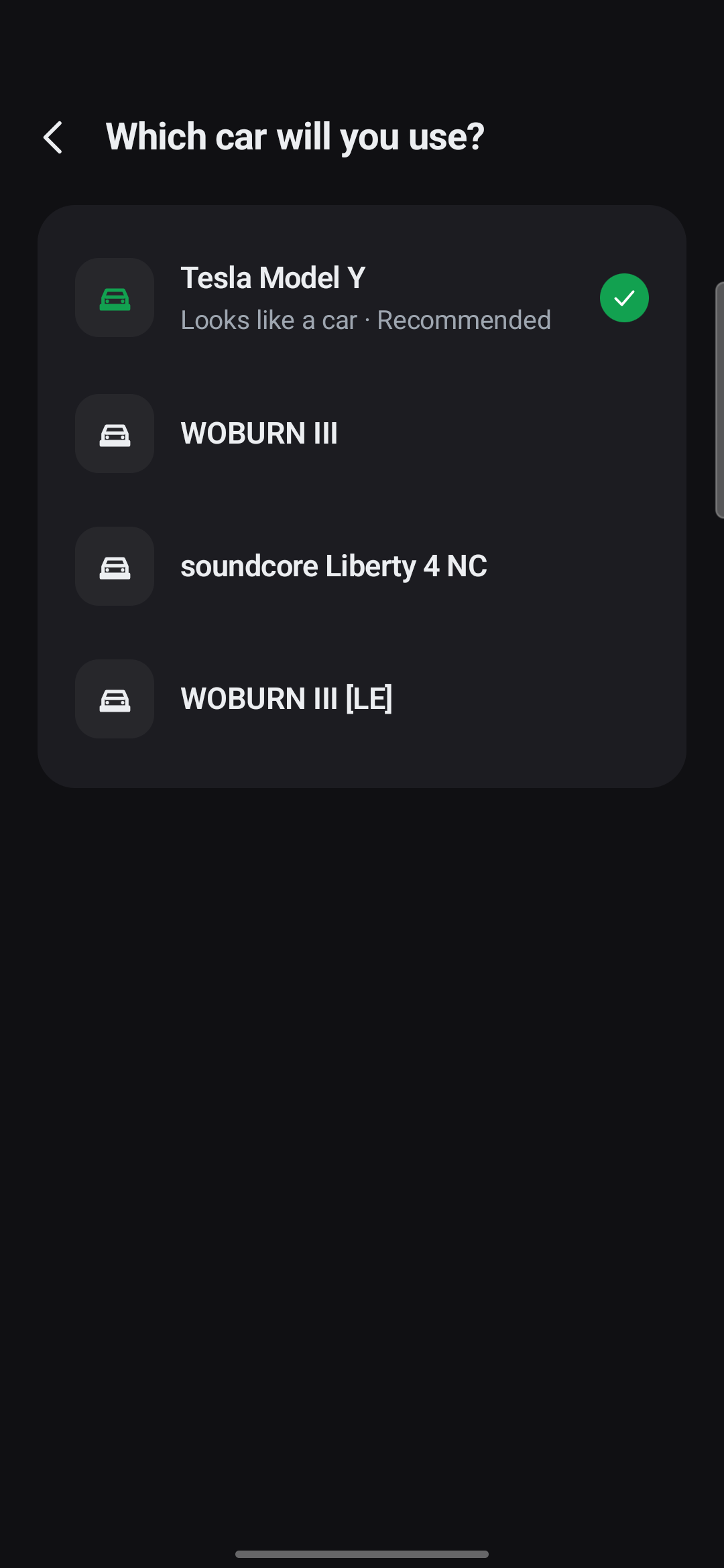
01 · About 3 minFirst-time setupAbout 3 minutes on Wi-Fi. Install the app and set it up once.Start here
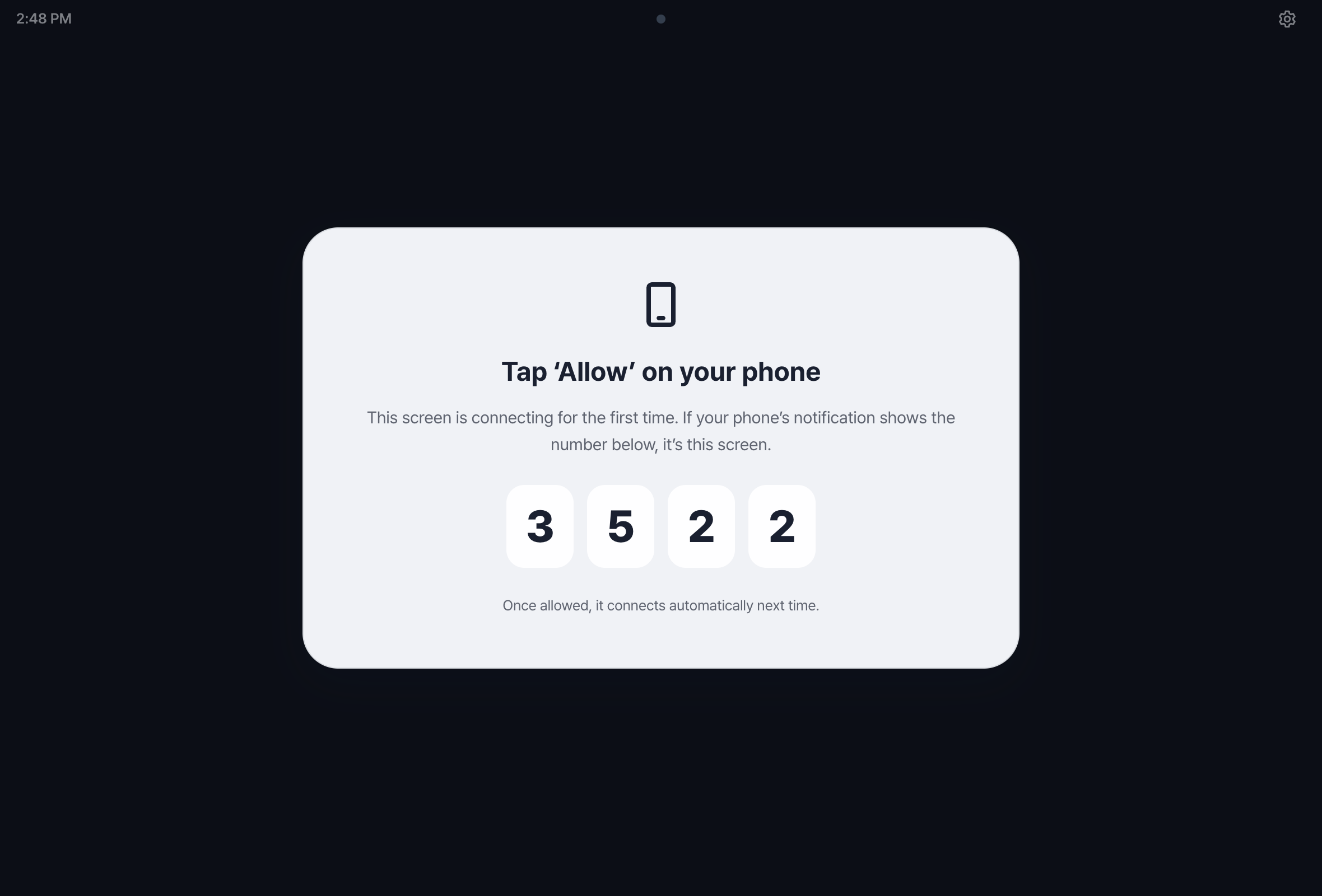
02 · About 1 minConnect in the carTurn on the hotspot and open one address in the car's browser.
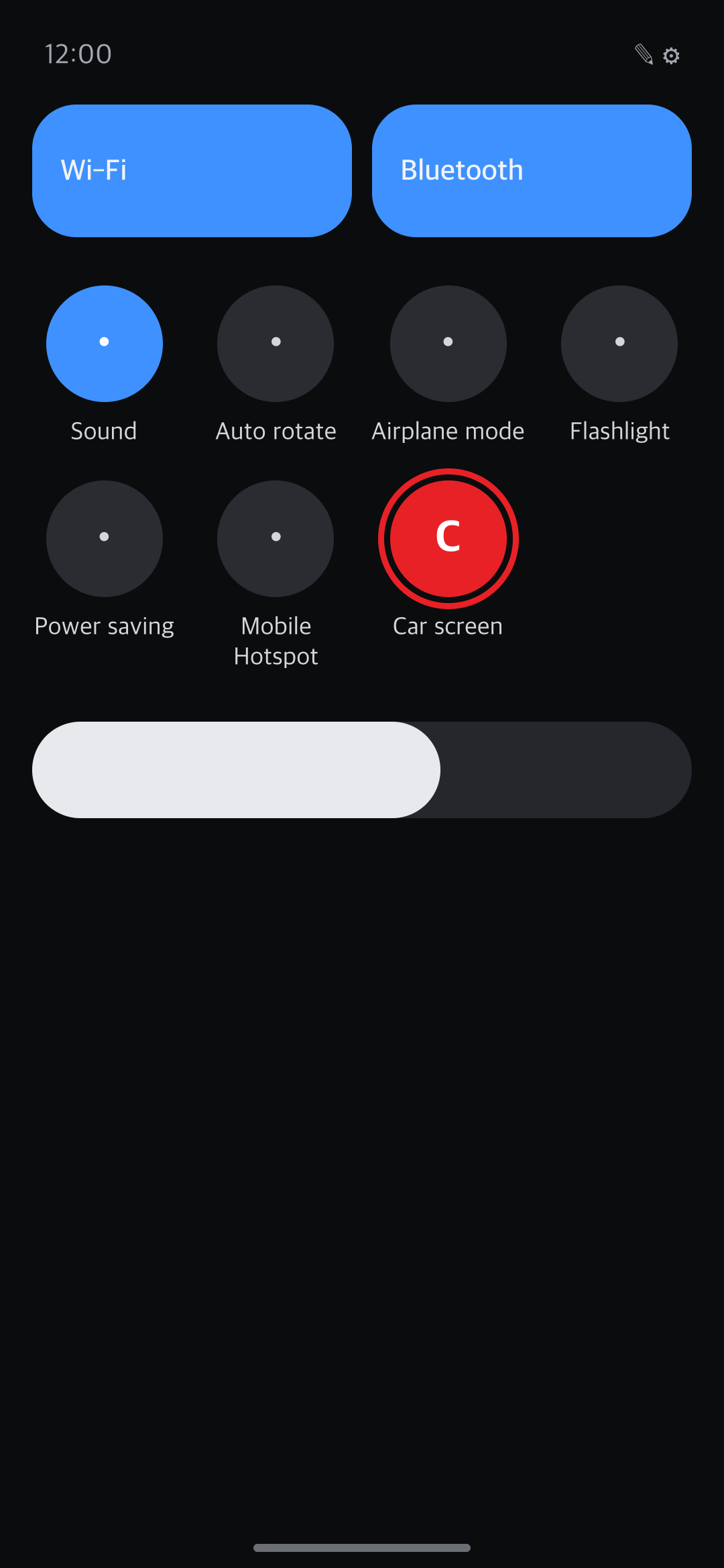
03 · About 1 minEveryday useIt turns on when you get in and off when you leave. You can also do it yourself.
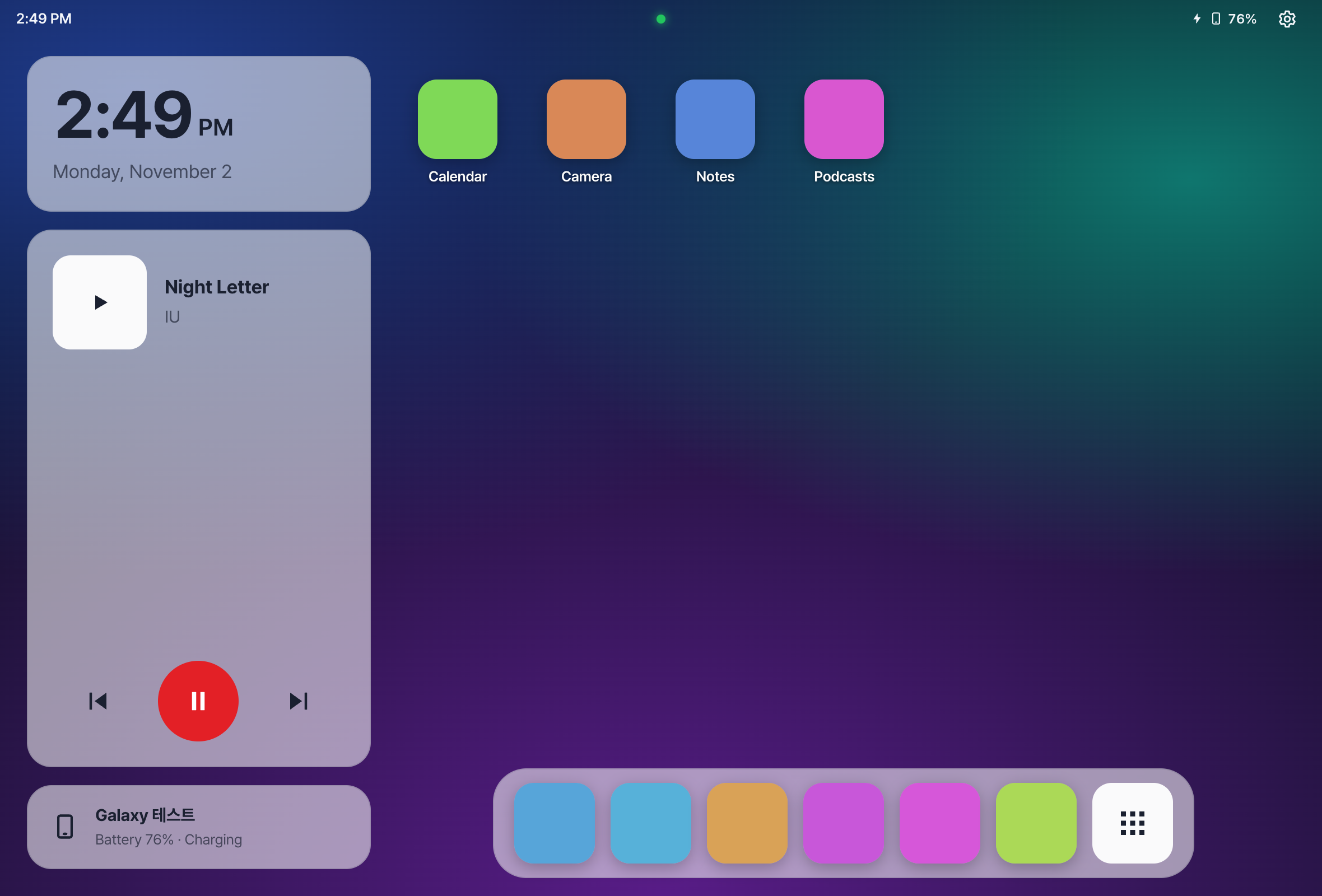
04 · About 3 minUsing the car screenHome, all apps, split screen, screen settings and wallpaper.
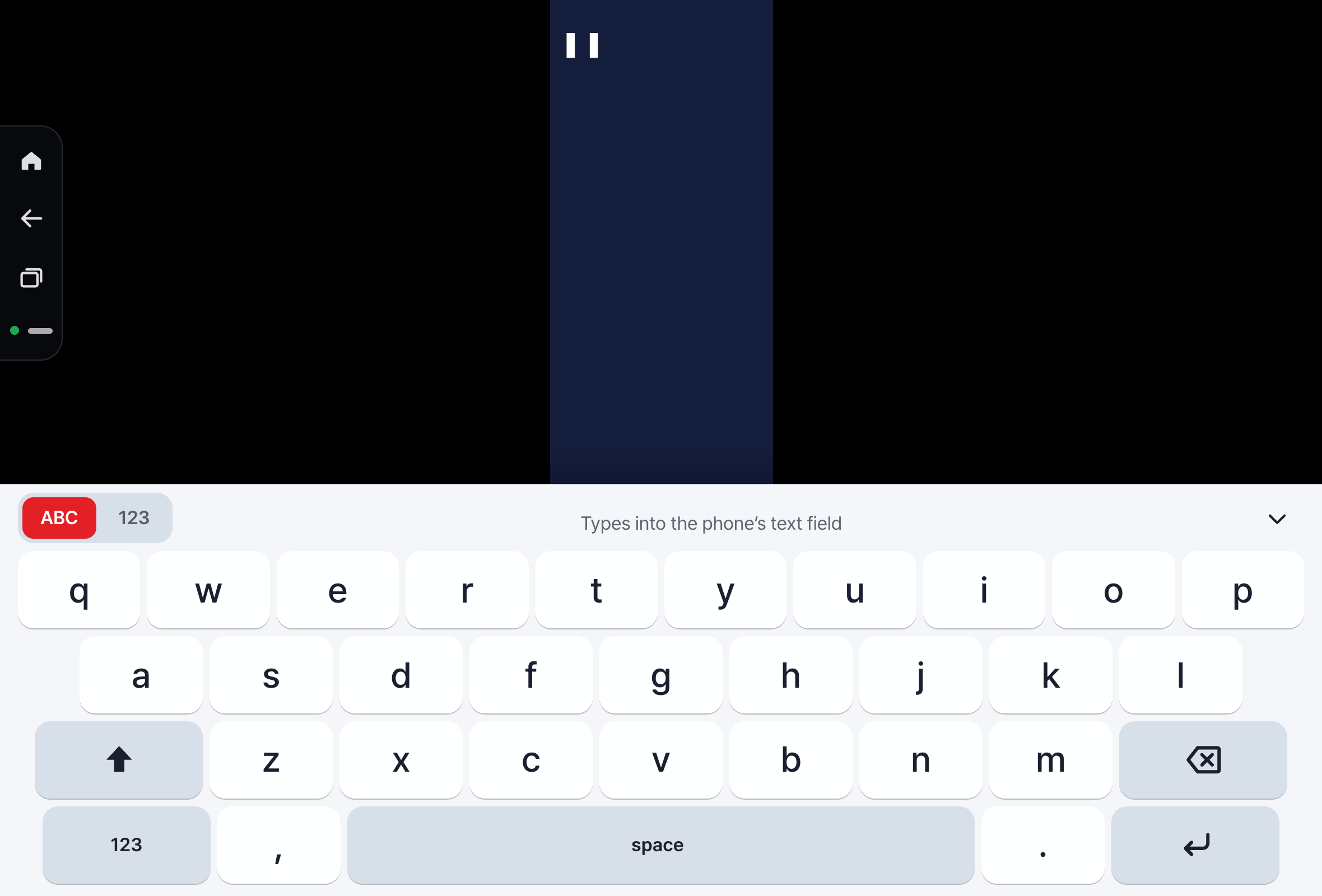
05 · About 1 minKeyboardType on the car screen with your phone's keyboard or Carvomi's big-key keyboard.
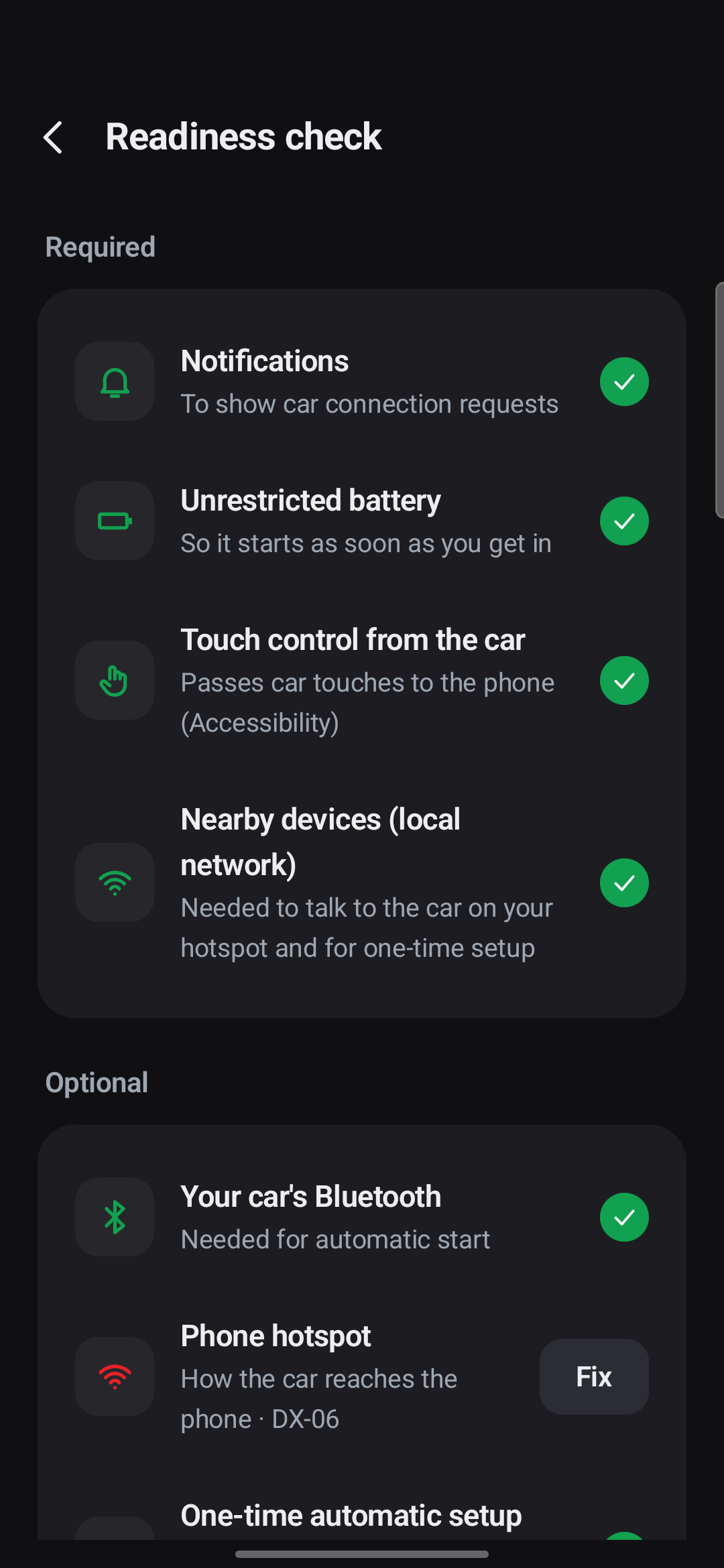
06 · About 2 minTroubleshootingWhere to look first, and fixes for common problems.